Your Money. Anytime, Anywhere.
As technology changes and plays an increasing role in our lives, we are updating our services to provide a better online experience. Digital banking allows you to complete routine banking tasks no matter where you are. Whether on your phone or at home, you can use our online tools to quickly and easily take care of your banking business whenever you see fit.

Online Banking & Bill Pay
Online Banking and Bill Pay are accessible from any browser on your computer or smartphone. It gives you full access to your account information when it is most convenient for you. Use the bill pay feature to pay upcoming bills or schedule recurring payments, so you never get a late fee again!
Product details
Accessible from any browser
Check balances
Transfer funds between accounts
Pay bills
Schedule recurring payments
Credit score snapshot
Mobile Banking & Mobile Deposits
Our Mobile Banking App allows you to access your account wherever you may roam. Whether you use an Android or Apple device, you can easily check your balance, pay bills, and make remote deposits to your account.
Product details
Available for Android or Apple smartphones
Check balances
Transfer funds between accounts
Pay bills
Deposit checks with remote capture
Convenient and secure




E-Statements
If you are looking for a way to “go green,” why not try e-Statements? They are free, convenient, and reduce your paper usage. You can see your e-Statements online even if you do not use our online banking system.
Product details
Easy-to-access via Online Banking
View up to 6 months of statements online
Easy-to-print from home printer
Digital Wallet
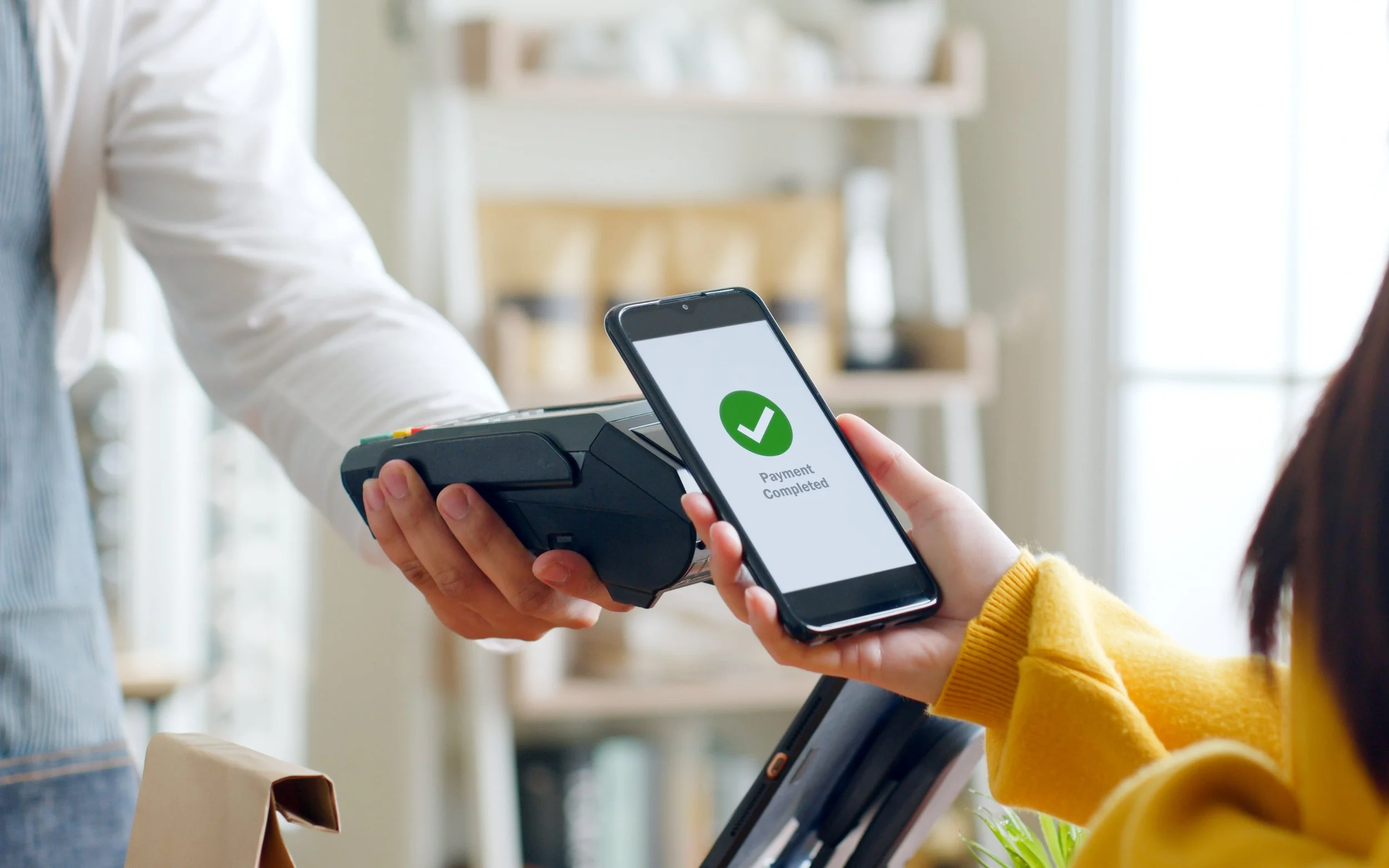
Securely store your ACU debit card in your phone's digital wallet for quick checkouts when shopping in store or online.
Product details
Save time with contactless payments
Reduces fraud with privacy and security protection
Make quick, secure and touch-free payments online or in-store with your smart phone
Watch a quick video on how it works
Add your ACU card to your Apple Pay account.
Add a new debit or credit card to the Wallet app, or add a card you previously used on a device associated with your Apple ID.
In the Wallet app, tap the Add button.
Tap Debit or Credit Card.
Tap Continue.
Follow the steps on the screen to add a new card. If prompted, choose your bank or card issuer from the list or find them using the search bar.
Verify your information with your bank or card issuer. They might ask you to provide additional information or to download an app before approving your card for use with Apple Pay.
If you have a paired Apple Watch, you have the option to also add the card to your watch.
Add your ACU card to your Google Pay account.
All your rewards will stay the same. You’ll keep getting the same security, benefits, and rewards with all cards on Google Pay.
Google Pay: Sign in to Payment methods.
At the bottom, click Add payment method.
Click Add credit or debit card.
Enter your card info.
If you’re asked to verify your payment method, choose an option from the list.
Find and enter the verification code.
Note: After you add a card, you might see a small temporary charge on your account from Google. This charge checks that your card and account are valid. It won’t affect your balance and will go away soon.